



Blogs
How to Use the Wishlist Feature for Future Purchases
Log in to your Yadav Big Bazaar account. Browse and click "Add to Wishlist" on your desired products. Access your wishlist anytime from your account. Purchase your saved items later for convenience.
How to Update Your Profile and Address Book
Log in to your Yadav Big Bazaar account. Navigate to Account Settings to update your profile details. Go to the Address Book to add, edit, or remove delivery addresses. Ensure your information is accurate for faster checkout and smooth delivery.
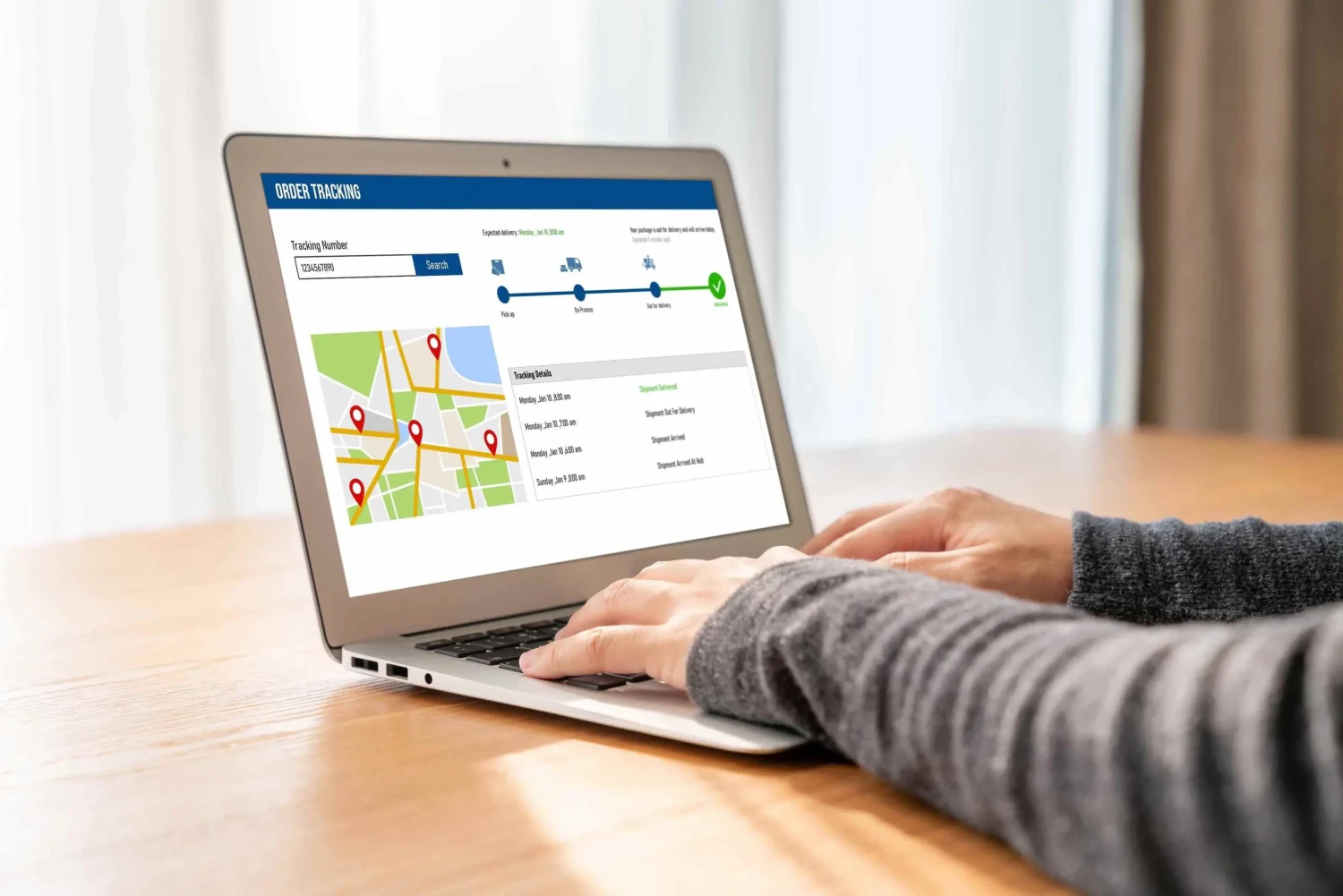
How to Track Your Orders on Yadav big bazaar
Log in to your Yadav Big Bazaar account. Go to the "My Orders" section. View your order’s current status and details. Click on an order for tracking information and estimated delivery.
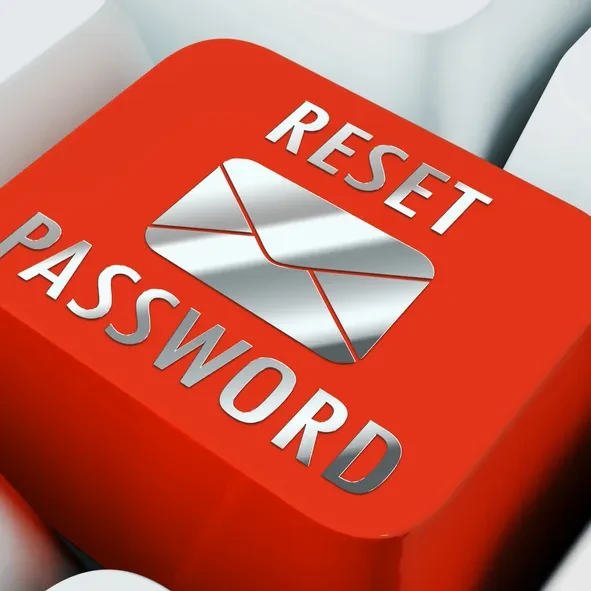
How to Recover Your Account if You Forget the Password
Click on the "Forgot Password" link on the login page. Enter your registered email address. Check your email for the password reset link. Follow the instructions and create a new password. Contact customer support if you need further assistance.
How to Browse and Buy Products Effortlessly
Browse a wide range of products at Yadav Big Bazaar. Use the search bar or explore categories for easy navigation. Add products to your cart with one click. Complete your purchase through a simple and secure checkout process.
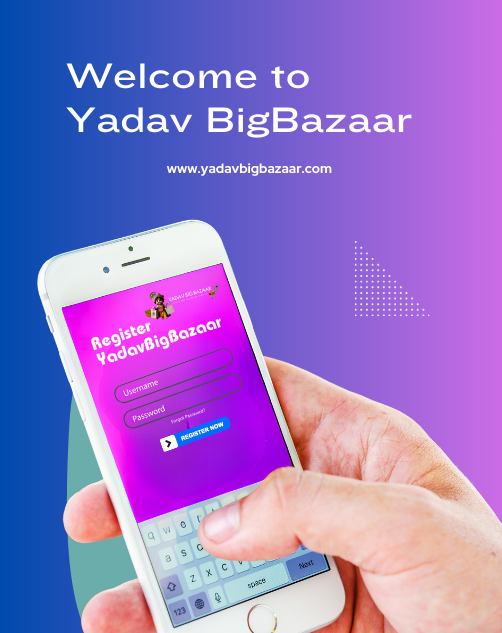
How to Create an Account on Yadav big bazaar
Visit yadavbigbazar.com and click on Registration. Sign up using your email address, phone number, and other required details. Creating an account is free. After registration, complete the verification process. Once verified, you can start making reservations.
Recent Posts
How to Use the Wishlist Feature for Future Purchases
How to Update Your Profile and Address Book
How to Track Your Orders on Yadav big bazaar
How to Recover Your Account if You Forget the Password
How to Browse and Buy Products Effortlessly
How to Create an Account on Yadav big bazaar
Contacts
-
-
Phone
+91-6383022826
-
Email